
(And two you can happily ignore)
Every January the internet screams about “revolutionary tech.” Meanwhile on King & Bay, real firms are trying to close year-end, chase AR, and prep for slip season. So here’s the short list of 2026 trends that actually move the needle for GTA accounting practices—and a couple you can skip without fear of missing out.
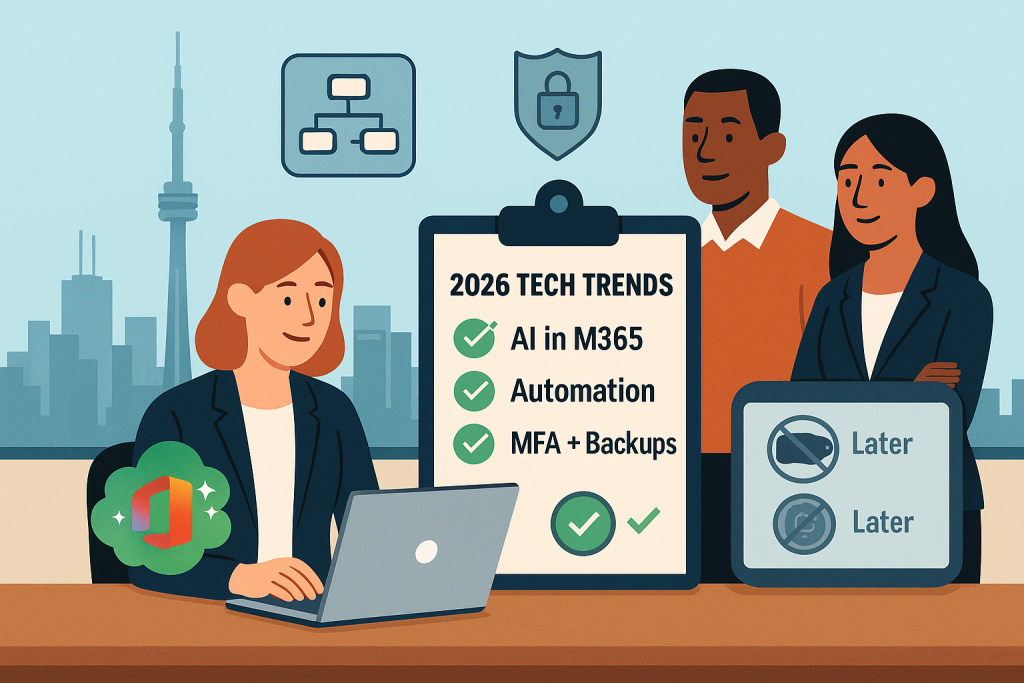
1) AI where you already work (not another shiny tab)
What it is: The smart bits are getting baked into tools you already pay for—Microsoft 365, Google Workspace, CaseWare, QBO/Xero, Teams, Slack. Think: summarize a gnarly email thread, draft a client follow-up, build a first-pass engagement letter, flag odd transactions, auto-categorize expenses, and prep schedules from notes.
Why accountants should care: No retraining marathon, no “prompt engineering” hobby. It’s toggles and policies inside your current stack. Partners keep judgment; AI clears the runway.
Do this in January:
- Turn on Copilot/Workspace AI for a pilot group (one partner, one manager, two juniors).
- Pick 3 use cases: meeting notes → tasks, AR nudges, workpaper draft text.
- Create a 1-page guardrail: what’s okay to feed AI (sanitized data), what isn’t (raw SINs, full tax returns), and where outputs must be reviewed.
Time cost: Minimal. You’re already in these apps.
2) “No-code” automation that finally sticks
What it is: Point-and-approve automations that used to require Zapier wizardry or a developer. In 2026, you describe the workflow (“When a client signs the engagement, create the Teams channel, folder structure, tasks, and kickoff email”), the tool proposes the flow, you tweak, done.
Why accountants should care: Admin drift kills margins. Automations keep files consistent, reduce swivel-chair mistakes, and speed onboarding—without adding headcount.
Do this in January:
- Start with one weekly annoyance: new-client intake, AR follow-ups, or payroll cutoff reminders.
- Map the steps on one page. Build it in your stack (Power Automate, Slack/Hub automations, CaseWare Cloud hooks).
- Add an “owner” and a fail-safe: who gets pinged when something breaks.
Time cost: 20–30 minutes for v1; then it just runs.
3) Security requirements with teeth (and paperwork)
What it is: Clients, carriers, and regulators are done with vibes. Expect: MFA everywhere, documented policies, tested backups, vendor due diligence, log retention, and faster incident reporting from partners. Cyber insurance renewals will ask for proof, not promises.
Why accountants should care: You handle PII and tax data. A breach during T4/T5 season is not a slap on the wrist—it’s reputational damage, potential regulatory scrutiny, and claim denials if you skipped basics.
Do this in January:
- Enforce MFA on Microsoft 365, remote access, payroll/finance apps.
- Test restores from backups (not just “green lights”).
- Ship three living docs: Acceptable Use, Incident Response, Vendor/SaaS checklist.
- Run a 30-minute phish drill themed around CRA “verification” bait.
Time cost: 2–3 focused hours with an MSP who knows accounting.
Two things you can ignore (for now)
The Metaverse/VR for regular business
Great for architects and 3D design. For audit/tax/advisory? You don’t need avatars in a virtual boardroom. Video call works. Save the budget for AI seats and security.
Taking crypto payments “to be modern”
Unless clients are actively asking—and you’ve modelled volatility, tax treatment, and reconciliation—crypto adds noise, risk, and fees. Streamline cards/ACH/EFT instead and make pay-links effortless.
Bottom line
The best tech isn’t flashy—it quietly protects margins, reduces risk, and gives your team hours back. In 2026, turn on embedded AI, automate the boring bits, and get serious (and documented) about security. Skip the metaverse cosplay and crypto detours.
Want the done-for-you version? Tech Fuel is the managed IT team for GTA accounting firms. We wire up Copilot safely, build automations that stick, and implement security that passes insurer and client sniff tests—without turning your office into a help-desk. [Schedule a call]

