 Because the mess in your firm probably isn’t in the coat closet
Spring cleaning usually starts with closets, storage rooms, and that one drawer everyone pretends not to see.
But in most accounting firms, the real clutter is digital — or at least plugged into the wall.
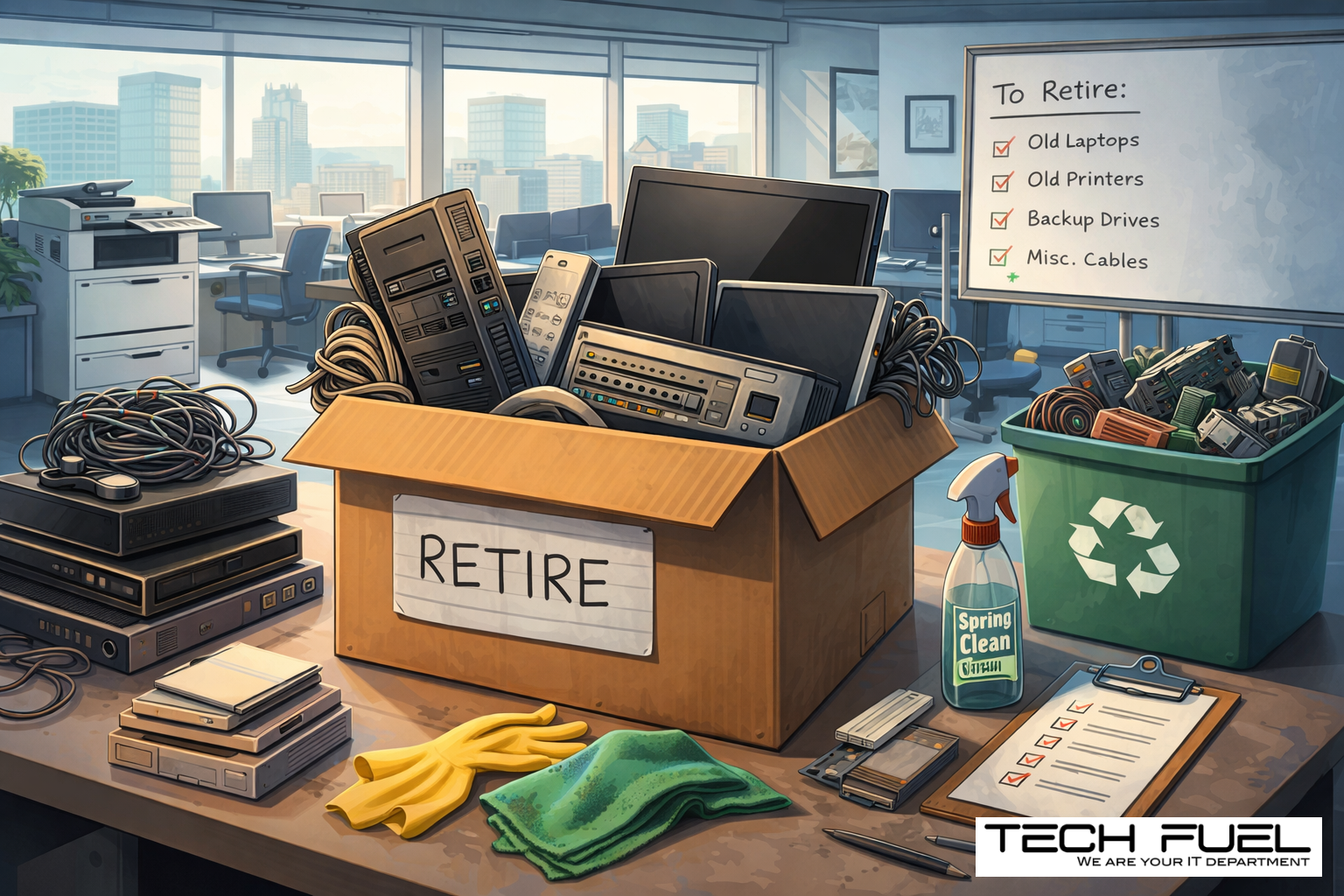
Old laptops stacked in a cabinet. Retired printers nobody wants to deal with. Backup drives from three hardware refreshes ago. Mystery cables in a box marked “keep just in case.” A copier in the corner that may or may not still contain years of scanned client documents.
It adds up.
Every firm collects this stuff over time. The question is not whether you have old technology hanging around. The question is whether you have a proper plan for what happens to it next.
Because outdated equipment is not just untidy. It can become a security issue, a compliance issue, and a quiet source of operational drag.
In other words, it is the kind of small problem that sits politely in the corner until one day it is not small anymore.
Technology Has a Retirement Problem
Most firms are reasonably thoughtful when buying new technology.
There is a budget. A reason. A decision. Maybe the new laptop is faster. Maybe the server is overdue. Maybe the team needs better performance, stronger security, or something that does not wheeze every time someone opens CaseWare and Teams at the same time.
That part gets attention.
What usually gets far less attention is the offboarding of old technology.
A device gets replaced. It gets unplugged. It gets put on a shelf. Then another shelf. Then a storage room. Then it becomes office archaeology.
That is normal. But it is not ideal.
Retired technology still has value. Sometimes reusable value. Sometimes recycling value. Sometimes sensitive data sitting quietly on a hard drive, waiting for someone to forget it exists.
And for accounting firms, forgotten data is not the sort of thing you want lurking around like an old tax file in the wrong cabinet.
Spring is a good time to ask a simple question:
What in our office is still helping us — and what is just taking up space, risk, and attention?
A Simple Four-Step Way to Clean Up Your Tech
This does not need to become a three-week internal initiative with a steering committee and a spreadsheet called FINAL_v7.
It can be simple.
Step 1: Take inventory
Start with the obvious question: what are you actually retiring?
Laptops, desktops, monitors, printers, copiers, phones, tablets, network switches, external drives, backup devices, old servers — all of it counts.
A quick walkthrough usually turns up more than expected. That cupboard in the back office has stories to tell.
You cannot manage what you have not identified.
Step 2: Decide where each item goes
Most devices fall into one of three buckets:
Reuse. Maybe it can be redeployed internally, used as a spare, or donated.
Recycle. Maybe it has reached the end of the road and needs certified e-waste handling.
Destroy. Maybe the data risk is high enough that secure destruction is the right move.
The key is making the decision deliberately.
Too much hardware ends up in what I’d call “storage limbo” — not in use, not disposed of, not documented, just quietly existing and hoping no one asks follow-up questions.
That is not a strategy. That is procrastination with cables.
Step 3: Prepare the device properly
This is where firms can get into trouble.
If a device is being reused, donated, or recycled, it needs to be removed from your systems properly. That means taking it out of device management, revoking user access, and ensuring the data is actually wiped.
And no, “we deleted the files” is not the same thing.
Neither is a quick format. Neither is crossing your fingers.
Deleting files usually just removes the signposts, not the data itself. The information may still be recoverable. For accounting firms handling financial records, tax information, IDs, payroll data, and client communications, that is a gamble you do not want to take.
This is one of those areas where firms assume they are being careful, but often are not being careful enough.
Proper retirement means proper erasure.
Step 4: Document it and close the loop
Once equipment leaves your office, you should know exactly what happened to it.
Where did it go?
Who handled it?
How was the data wiped or destroyed?
Was access removed?
Was the serial number recorded?
Nothing fancy. Just clean documentation.
Because when a question comes up later — internally, operationally, or from a compliance standpoint — “I think we dealt with that” is a terrible answer.
The Devices Firms Forget About
Laptops usually get the spotlight. Fair enough. They are visible, expensive, and easy to count.
But they are not the only devices worth worrying about.
Phones and tablets
Old mobile devices may still contain email access, saved files, contact data, or authentication apps. Even after someone leaves, those devices can hang onto more access than anyone realizes.
Printers and copiers
This is the one people forget.
Modern printers and copiers often store data internally. That means scanned documents, copied materials, print jobs, and client records may still be sitting on the device long after the machine has been retired or returned.
For accounting firms, that should get your attention quickly.
If you are returning a leased copier, confirm in writing how the hard drive is being wiped or removed before the device is redeployed elsewhere. Do not assume. Confirm.
External drives and old backup devices
These tend to live the longest in the office. They are small, easy to ignore, and usually labelled with something deeply reassuring like “archive” or “misc.”
They deserve the same process as everything else.
Servers and network gear
That old server from two upgrades ago? The firewall appliance in the back room? The switch nobody has touched since the Harper era?
All of it should be accounted for. All of it should be retired intentionally.
Recycling Matters Too
There is also the environmental side of this.
Electronics should not be dumped in the trash and forgotten. Batteries, monitors, drives, circuit boards, and related equipment need proper disposal through certified channels.
Handled the right way, tech retirement is not just more secure. It is cleaner operationally and more responsible overall.
That matters.
It matters because it reduces risk. It matters because it reflects well on your firm. And frankly, it is just the grown-up way to run a business.
No gold star required. Just competent housekeeping.
The Bigger Question Behind the Cleanup
Here is where this gets more interesting.
Spring cleaning is not really about getting rid of old things. It is about making space for better ones.
So yes, clear out the dead hardware. Retire the devices properly. Recycle what needs recycling. Wipe what needs wiping.
But while you are stepping back, ask the more useful question:
Is our technology actually helping this firm run the way we want it to?
Because the real opportunity is not just removing clutter. It is evaluating whether your systems, software, workflows, and support model still make sense for the business you are trying to build.
For accounting firms, that is where the real leverage is.
Not in hanging onto an old printer for sentimental reasons.
Not in keeping a drawer full of outdated phones like they are family heirlooms.
But in making sure your technology supports productivity, security, compliance, and growth.
That is a much better use of spring energy.
Where Tech Fuel Comes In
If your firm already has a clean, documented process for retiring equipment, excellent. That is exactly how it should feel — routine, secure, and boring in the best possible way.
But if old hardware tends to pile up, if no one is quite sure what is still sitting where, or if this whole topic has been living in the “we’ll deal with it later” category, now is a good time to sort it out.
And while you are at it, it is worth looking at the bigger picture too.
Are your systems streamlined?
Are your tools working together properly?
Is your technology helping your firm move faster and more profitably?
Or is it mostly just keeping the lights on and creating new headaches every quarter?
That is the conversation we like having.
Not a lecture. Not a hard sell. Just a practical look at whether your tech stack, systems, and support model are doing the job they should be doing for a modern accounting firm.
[Book your 10-minute discovery call]
And if this sparked a thought for another firm owner, pass it along.
Spring cleaning should not stop at closets.
It should include the systems your business depends on every single day.