Your accounting firm has not stood still since January.
Neither have your systems.
Since the start of the year, you have probably added staff, changed roles, onboarded clients, approved new software, expanded cloud access, survived tax season, and made several “quick decisions” to keep the machine moving.
That is normal.
But every quick decision leaves a trail.
Who still has access to files they no longer need?
Where is client data being stored?
Which apps are connected to Microsoft 365?
Who is responsible when something breaks across three vendors and everyone starts pointing politely at someone else?
By midyear, many firms are not running on clean systems.
They are running on assumptions.
And assumptions are lovely until they become expensive.
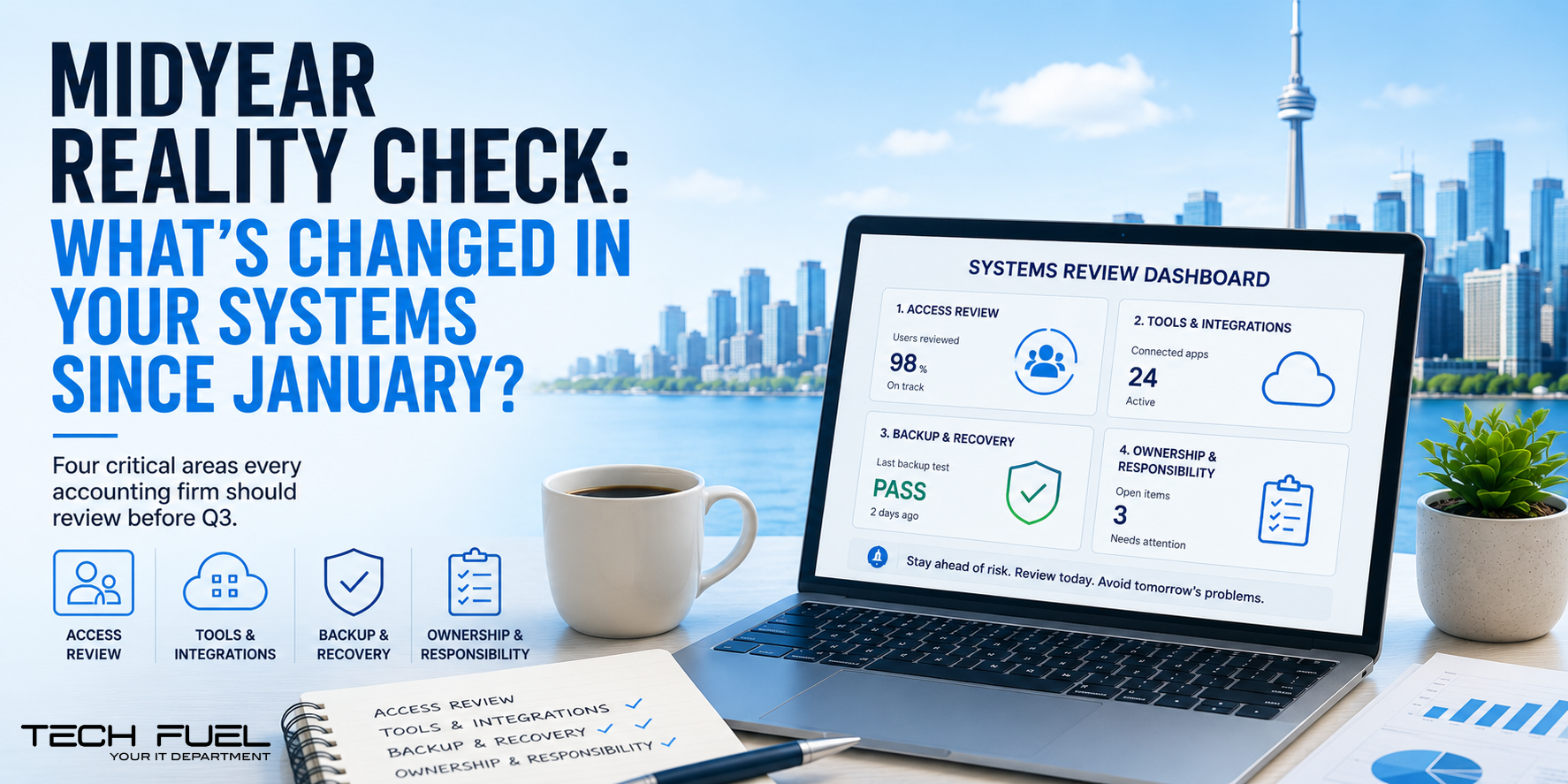
Here are four things worth checking before the second half of the year gets busy.
- Access Was Expanded. Was It Ever Cleaned Up?
Tax season has a way of turning “temporary access” into permanent risk.
A new hire needs CaseWare today. A seasonal staff member needs client folders by noon. A partner needs remote access while travelling. Someone changes roles and picks up new permissions along the way.
Every decision makes sense in the moment.
The problem is what happens after the rush.
Access rarely gets revisited. By July, your permissions may look less like a security policy and more like a junk drawer.
You may have staff with more access than they need, former employees with lingering accounts, shared logins nobody wants to mention, or client folders visible to people who no longer require them.
For an accounting firm, that is not a small issue. You are handling tax returns, payroll records, corporate financials, estate files, and personal client information.
Ask one simple question:
Do the right people have the right access today?
Not in January.
Today.
- New Tools Solved Problems. They May Have Created New Ones.
No one sets out to create software chaos.
It happens one reasonable decision at a time.
Your team needed better document sharing, so another platform came in. Bookkeeping needed an app that played nicely with QuickBooks. Advisory wanted better reporting. Admin added a scheduling tool. A partner approved something during March because everyone was tired and it seemed useful.
Individually, fine.
Together, messy.
Data starts living in too many places. Integrations get set up quickly and never reviewed. Staff create workarounds. Reporting becomes inconsistent. Nobody knows which system is the source of truth.
When systems do not talk, your staff become the integration.
And your senior accountant has better things to do than act as human middleware.
Ask:
Do our tools work together, or has our team learned to work around them?
- Backup Confidence Is Often Just Hope In A Nice Suit.
Most firms believe they have backups.
Fewer firms know whether those backups actually work.
A backup is only useful if it can be restored quickly, completely, and cleanly when something goes wrong.
A file gets deleted. A laptop dies. A cloud folder is overwritten. Ransomware hits. A server fails.
The danger is not just losing data.
The danger is discovering during the outage that nobody knows the recovery process.
Who starts the restore?
How long will it take?
Which systems come back first?
Are Microsoft 365, SharePoint, OneDrive, QuickBooks, Xero, and CaseWare included?
If a key system went down tomorrow, would your team know exactly what happens next?
- Responsibility Has Gotten Blurry.
When the firm was smaller, ownership was clearer.
Then you grew.
More apps. More vendors. More remote staff. More cloud tools. More “loop them in” emails.
Now, when something breaks, the issue bounces.
The software vendor says it is the network. The internet provider says everything looks fine. The IT generalist says it is the application. The application vendor says it is Microsoft.
Meanwhile, your team waits.
Your firm needs someone who owns the outcome, coordinates vendors, documents the issue, and drives resolution.
Otherwise, your staff become project managers for problems they did not create.
Most Risk Comes From What Changed And Was Never Reviewed.
Midyear is the perfect time to clean up.
Review access. Map tools. Test backups. Clarify ownership.
It is not glamorous, but it gives you clarity.
And clarity is what keeps small issues from becoming expensive surprises.
At Tech Fuel, we help accounting firms see where their systems stand today — not where everyone assumes they stand.
Call us at 1-855-737-8277, book a quick Discovery Call, or view our I.T. Buyers Guide.