 April 1 comes and goes. The fake announcements, the office pranks, the “you’ve been hacked” jokes — all packed away until next year.
Scammers, sadly, are not that seasonal.
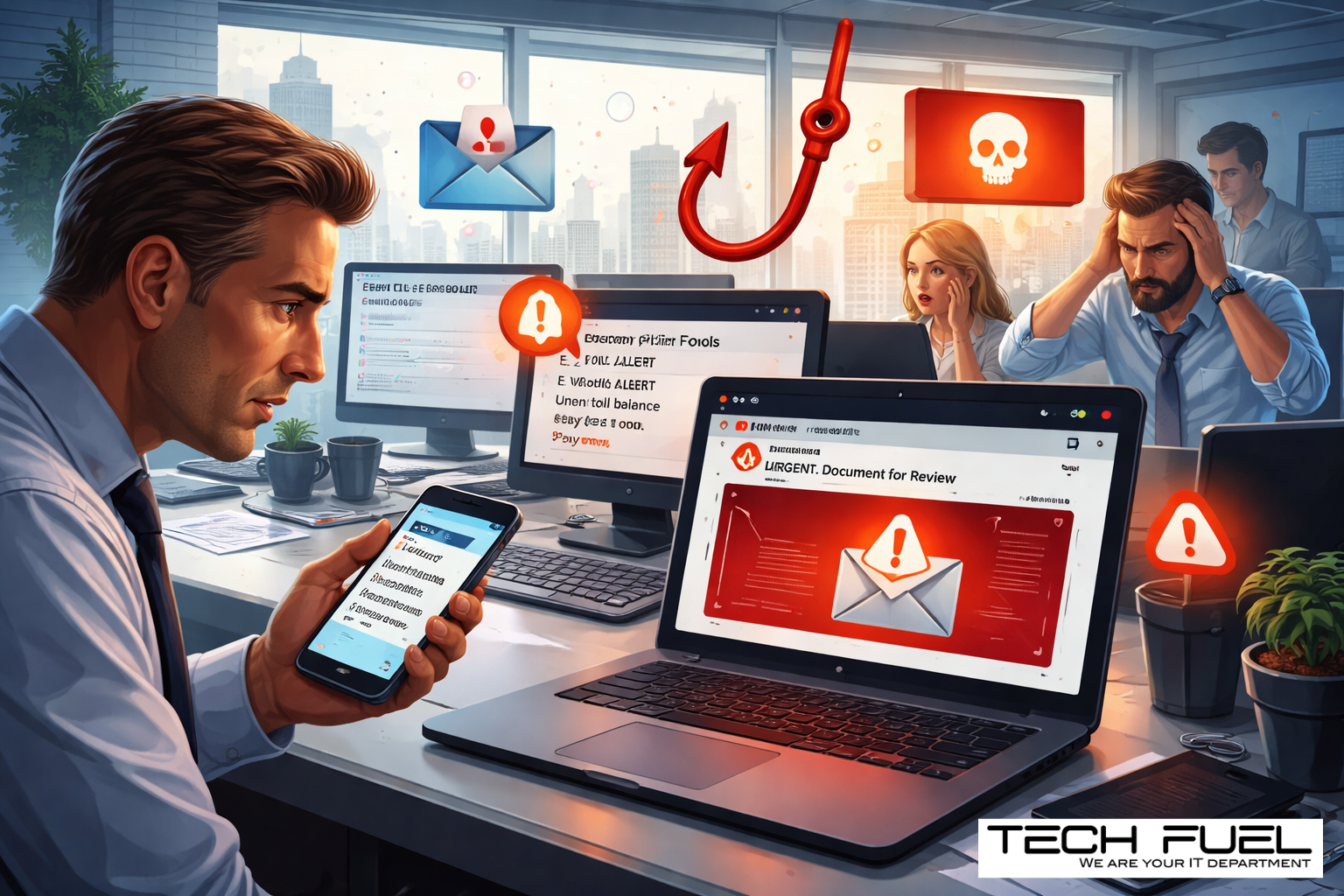
In fact, spring is prime time for digital nonsense. Not because your team suddenly forgets how to think, but because this is when people are moving fast. Tax season is still echoing. Deadlines are stacked. Everyone’s juggling five things before lunch. That’s exactly when a scam doesn’t have to look ridiculous to work. It just has to look normal.
And that’s the bit most firms underestimate.
The scams landing in inboxes and text messages right now are not aimed at careless people. They’re aimed at capable, busy professionals who are trying to get through a full day without stopping to inspect every message like it belongs in a crime lab.
Here are three scams making the rounds right now — and one honest question to ask as you read:
Would everyone in your firm pause long enough to catch them?
Scam #1: The “Quick Toll” or Parking Fee Text
It starts small.
A text comes in:
“You have an unpaid toll of $6.99. Pay within 12 hours to avoid additional fees.”
It mentions a real toll service. The amount is tiny. The timing feels plausible. Maybe someone on your team drove downtown, parked near a client, or used a highway recently. So they tap the link, pay the fee, and move on with their day.
Except it wasn’t a fee. It was bait.
The FBI received more than 60,000 complaints about fake toll texts in 2024, and reports surged again in 2025. Researchers also identified more than 60,000 fake domains created to mimic legitimate toll systems. That tells you everything you need to know: this scam works often enough to make it worth industrializing.
That’s the trick, really. The amount is too small to feel dangerous. The message is just believable enough to slide past your internal alarm system.
For accounting firms, that should sound familiar. Most security issues don’t arrive wearing a villain costume. They show up dressed as admin.
What helps
Real toll agencies do not need you panicking into a payment through a text link.
A simple rule helps enormously: no one pays anything through a link sent by text. If the charge might be real, they go to the official website or app directly. No replying. No clicking. No “STOP,” either — because even that confirms the number is active.
Convenience is the lure. Process is the defence.
Scam #2: The “Your File Is Ready” Email
This one is especially dangerous because it looks exactly like the sort of thing your team sees all day long.
A staff member receives an email saying a file has been shared with them. Maybe it looks like a OneDrive link. Maybe it’s Google Drive. Maybe DocuSign. Maybe a spreadsheet, maybe a contract, maybe something that feels routine and boring.
Which is precisely why it works.
The sender name looks familiar. The branding is clean. The formatting is identical to the real thing. They click, they’re asked to log in, and now their credentials belong to someone else.
And if those were Microsoft 365 credentials? You haven’t just lost a password. You may have handed over the front door key to your cloud environment.
Phishing campaigns that abuse trusted platforms like Google Drive, Microsoft, DocuSign, and Salesforce rose sharply in 2025. KnowBe4’s Threat Labs reported a 67% increase, and Google Slides-based phishing links alone spiked more than 200% over a recent six-month period.
Here’s the uglier detail: employees are far more likely to click a malicious link from OneDrive or SharePoint than from some random-looking email, because the notification feels familiar. It blends into the workday.
And the newest versions are sneakier still. Attackers use compromised accounts and real file-sharing tools to send genuine platform notifications. So the message may actually come from Microsoft or Google’s real servers. That means spam filters often let it sail right through.
That’s not a failure of intelligence. That’s a scam built to look like Tuesday.
What helps
If the file wasn’t expected, don’t click the email link.
Open a browser. Go directly to Microsoft 365, Google Drive, or DocuSign yourself. If the file is legitimate, it will still be there.
For accounting firms, this is especially important because your people are constantly receiving shared documents — engagement letters, client records, source files, reports, payroll data, tax support, you name it. A normal workflow is exactly what attackers hide inside.
Your IT team should also be locking down unnecessary external sharing permissions and enabling alerts for unusual login activity. Those are not dramatic fixes. They’re boring. Which is why they work.
Scam #3: The Phishing Email That’s Written Too Well
There was a time when phishing emails were easier to spot.
Bad grammar. Odd formatting. Weird wording. A prince in another country. You know the classics.
That version of phishing has gone to finishing school.
A 2025 academic study found that AI-generated phishing emails achieved a 54% click rate, compared with 12% for human-written ones. That is not a small improvement. That is a demolition.
Why? Because these messages no longer read like obvious scams. They reference real companies, real job titles, real departments, and real workflows — often pulled from LinkedIn, company websites, and public sources in seconds.
Now your payroll person gets a believable employee verification request. Your finance lead gets a vendor payment change. Your operations manager gets a note that looks like it came from a software provider. Everything is calm, polished, and just urgent enough to feel important.
One recent test found that 72% of employees engaged with a vendor impersonation email — 90% higher than other phishing types.
That’s the world now. The giveaway is no longer bad spelling. Sometimes the giveaway is that the email is a little too polished, a little too well-timed, a little too perfectly written.
What helps
Any request involving credentials, payment changes, banking details, or sensitive data should be verified through a second channel.
Not the same email thread. A second channel.
A phone call. A Teams message. A quick walk over to the person’s office. Anything that confirms the request came from a real human being and not a very convincing fiction engine.
And yes, train your team to hover over the sender address and inspect the actual domain. But just as important: teach them that urgency itself is a warning sign.
Real security does not demand panic-clicking.
What This Actually Comes Down To
These scams all rely on the same ingredients:
Familiarity. Authority. Timing. Speed.
In other words, they don’t beat your people by being cleverer than them. They beat your people by catching them in the middle of real work.
That’s why this is not just a training issue.
If one rushed click can expose client data, compromise Microsoft 365, or create a mess during your busiest stretch of the year, that is not a people problem. That is a process problem.
And process problems are fixable.
Especially in accounting firms, where the pressure to move quickly is built into the business model. Your team is dealing with sensitive documents, deadlines, approvals, signatures, payment requests, and file-sharing all day. You do not need perfect people. You need guardrails that assume people are busy.
That’s a much smarter standard.
Where Tech Fuel Comes In
Most managing partners and firm owners are not looking for another side project. They do not want to become the in-house phishing coach. They do not want a three-ring binder of security policies nobody reads.
They want to know the business is protected, the team has guardrails, and the risk isn’t quietly building in the background while everyone is focused on clients.
That’s where we help.
We work with accounting firms that need practical, industry-aware IT support — the kind that understands what busy season feels like, why file-sharing matters, and how one compromised account can create chaos in a hurry.
A discovery call is simply a chance to look at:
- the risks firms like yours are seeing right now
- where those risks tend to sneak into everyday workflows
- practical ways to reduce exposure without slowing your team to a crawl
No theatre. No fear tactics. No “the sky is falling” nonsense.
Just a useful conversation about tightening the gaps before someone tests them for you.
[Book your 10-minute discovery call]
And if this isn’t for you, send it to another firm owner who could use the reminder.
Sometimes the difference between “we almost got caught” and “nice try” is simply knowing what to look for.
If you want, send over the next blog and I’ll keep going in this same voice.